Organizing the catalog of a few hundred movies and creating a searchable dynamic application based on Laravel.
Team
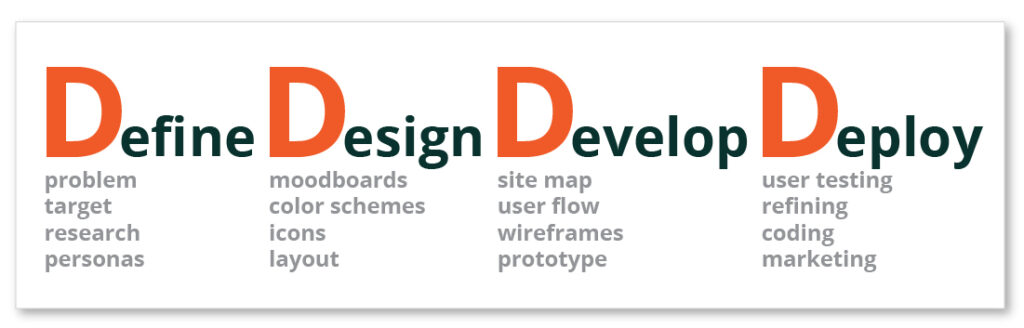
I worked as a part of the cross-functional team. I elaborated a logo, colors, and overall look and feel for the catalog. As the main UX/UI designer, I was involved in all phases of the project, from defining the problem to user testing.
Responsibilities
Logo Design, Color Scheme, Branding, Research, Personas, Moodboards, Wireframes, Prototyping, Testing, Refining.
Define the User
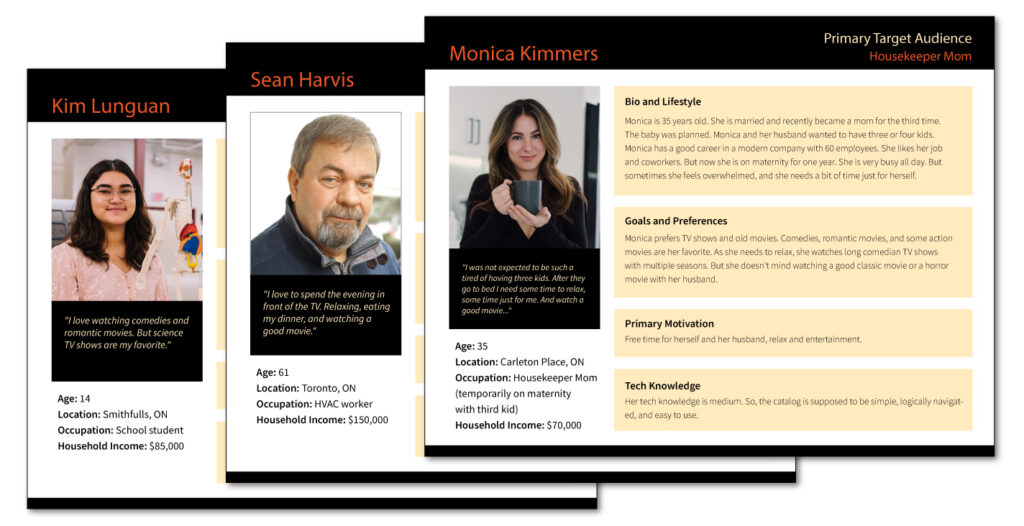
Understanding the user's goals and needs with User Research and creating Personas
My fist work stage is defining the user audience and creating personas. What are personas and why we need them? Personas are archetypical users whose goals and characteristics represent the needs of a larger group of users. Usually, a persona is presented in a one-page document. The description includes behavior patterns, goals, skills, attitudes, and background information, as well as the environment in which a persona operates. Using the type and direction of personas’ thinking, you can compose the alleged scenarios of their actions and understand how they would use this product.
Moodboard
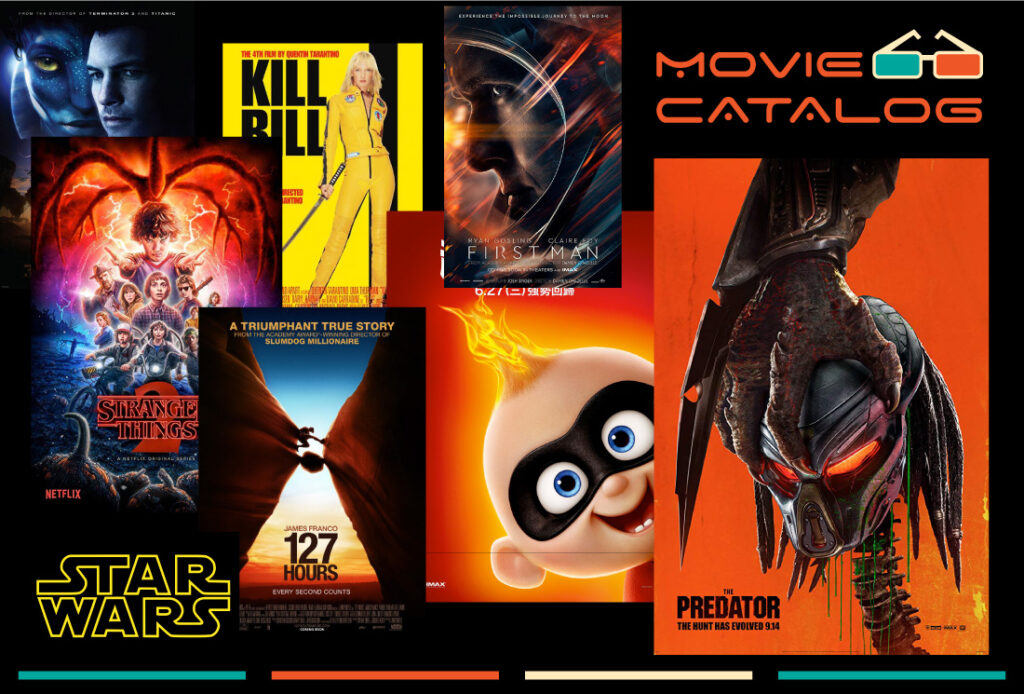
A picture is worth a thousand words
A mood board is extremely useful for establishing the aesthetic feel of a web site. It usually fits into the process somewhere after wireframes and before design mockups. Things that can be explored in the mood board include photography style, color palettes, typography, patterns, and the overall look and feel of the site. Soft or hard? Grungy or clean? Dark or light? A rough collage of colors, textures and pictures is all it takes to evoke a specific style or feeling. The mood board is intentionally casual; it lets the designer start with broad strokes and get feedback before too much time is invested in the wrong direction. Think of it as rapid visual prototyping.
Branding
Your Logo is a Face of your Brand
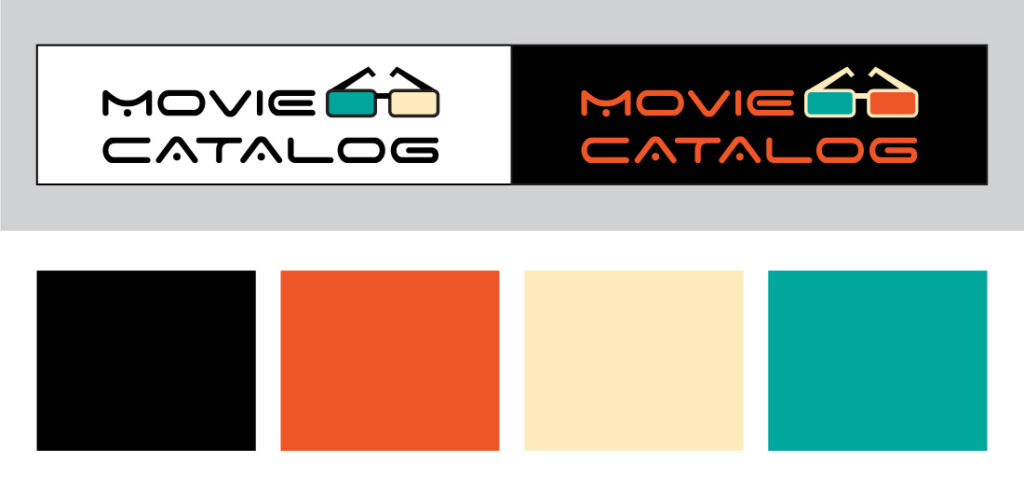
For the original catalog view and future branding, I have to create a Logo, elaborate color scheme, and a basic Branding Guide.
Potential Solutions
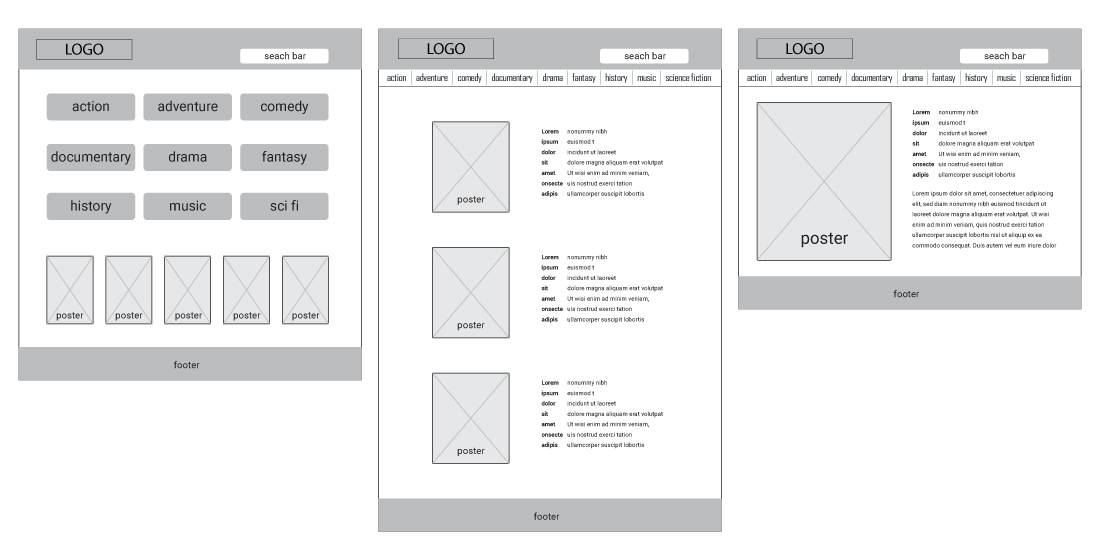
High-Fidelity Wireframes
The research made it evident how different users would use the app. After summarizing the information from user interviews and data analysis, It was time to sketching different solutions to help business and users.
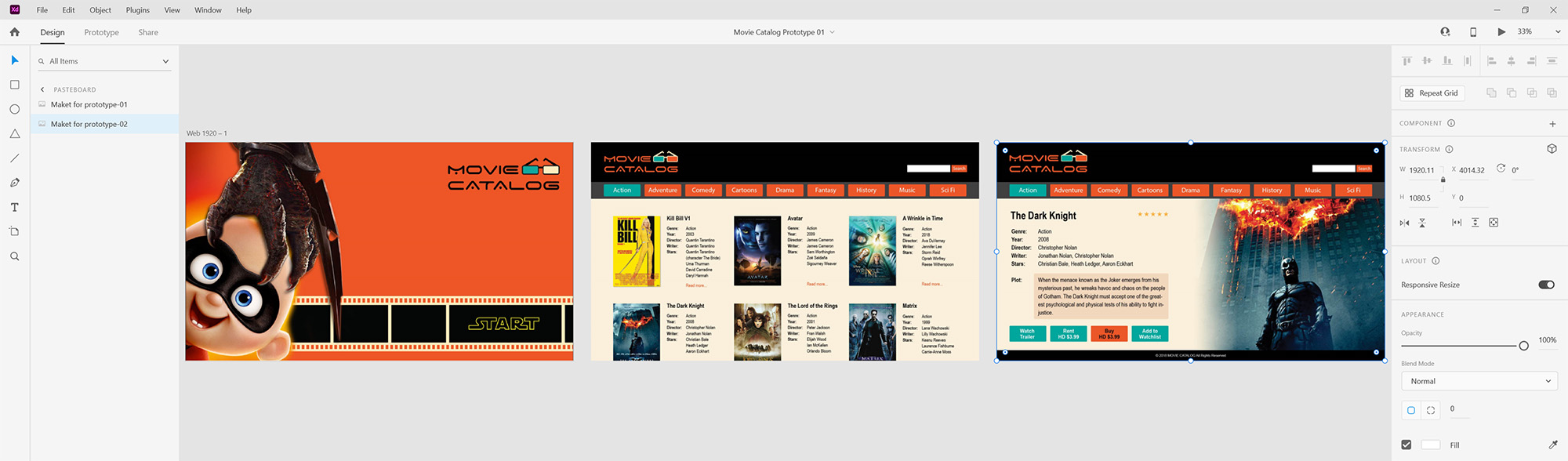
Prototyping
Prototyping is the key element in User Experience Design. It helps to test the product before spending too much time and money on the development stage. It helps to correct in time the design and flow of the product.
Final Solutions
Coding
And the final stage is the coding. This catalog is dynamically searchable and built on Laravel, the PHP Framework for Web.